

Super VPN: Unlimited Secure Proxy for iPhone
Super VPN is a free desktop application designed for iPhone users seeking unrestricted internet access through a proxy service. Developed by Tommy Jay, this tool is categorized under Utilities and aims to provide secure, anonymous browsing. It is tailored for individuals who require privacy protection and access to region-restricted content on their mobile devices.
The software supports multiple languages, including Russian, English, and Chinese, making it accessible to a broad user base. Its primary purpose is to mask the user’s IP address and encrypt internet traffic, enhancing online security. Ideal for travelers, remote workers, and privacy-conscious users, Super VPN helps bypass network restrictions and access blocked websites.
It is particularly useful in regions with strict internet regulations. The application runs directly on iPhone, ensuring compatibility with Apple’s ecosystem. The developer did not provide additional system requirements.
Key Features & Capabilities
- Unlimited Proxy Access: Enables continuous connection to proxy servers without bandwidth or time limits, ideal for extended browsing sessions.
- Secure Browsing: Encrypts internet traffic to protect data from interception, ensuring privacy on public Wi-Fi networks.
- Multi-Language Support: Available in Russian, English, and Chinese, supporting diverse user communities.
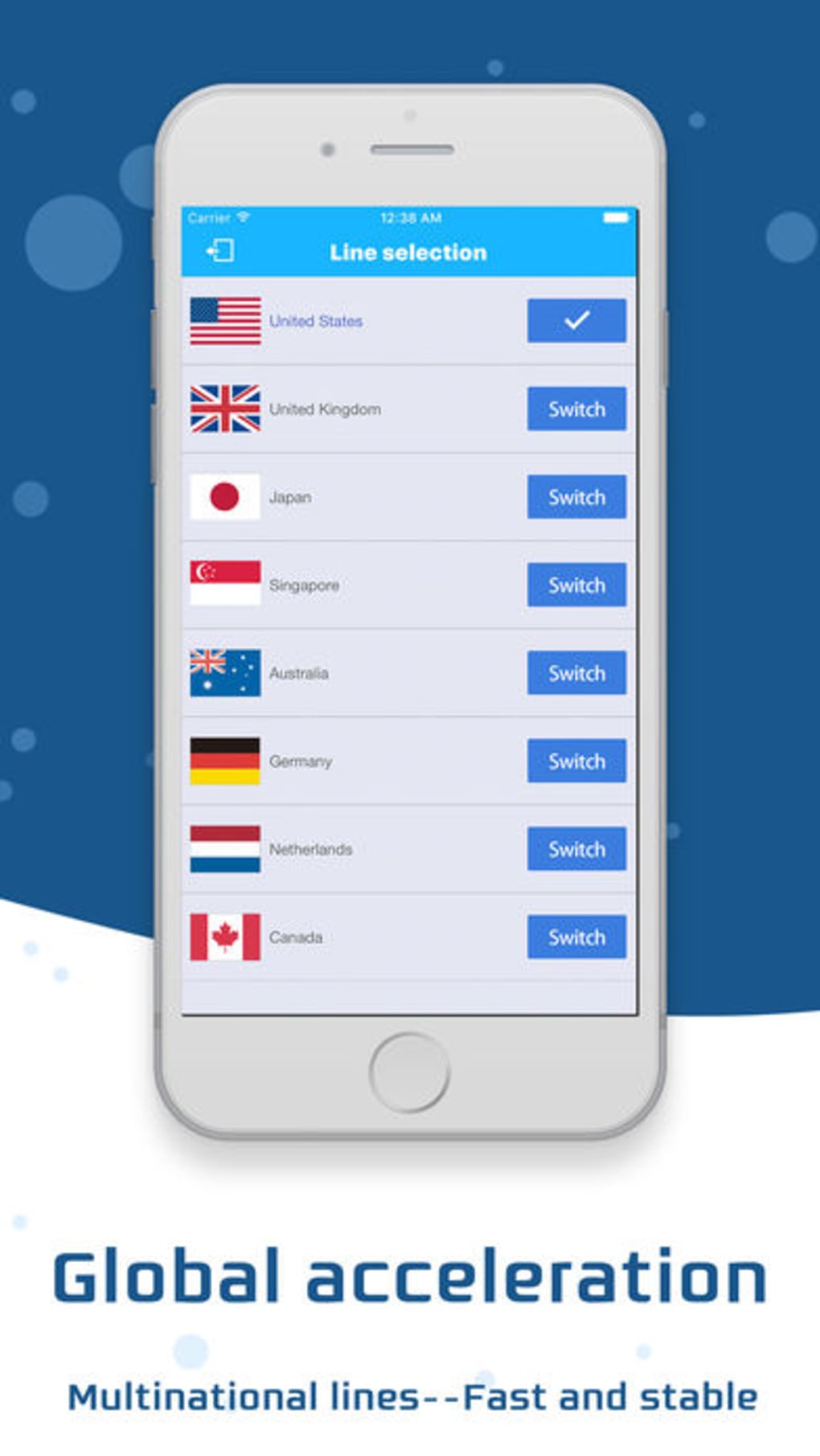
- Region-Free Access: Allows users to bypass geo-restrictions and access content from different countries.
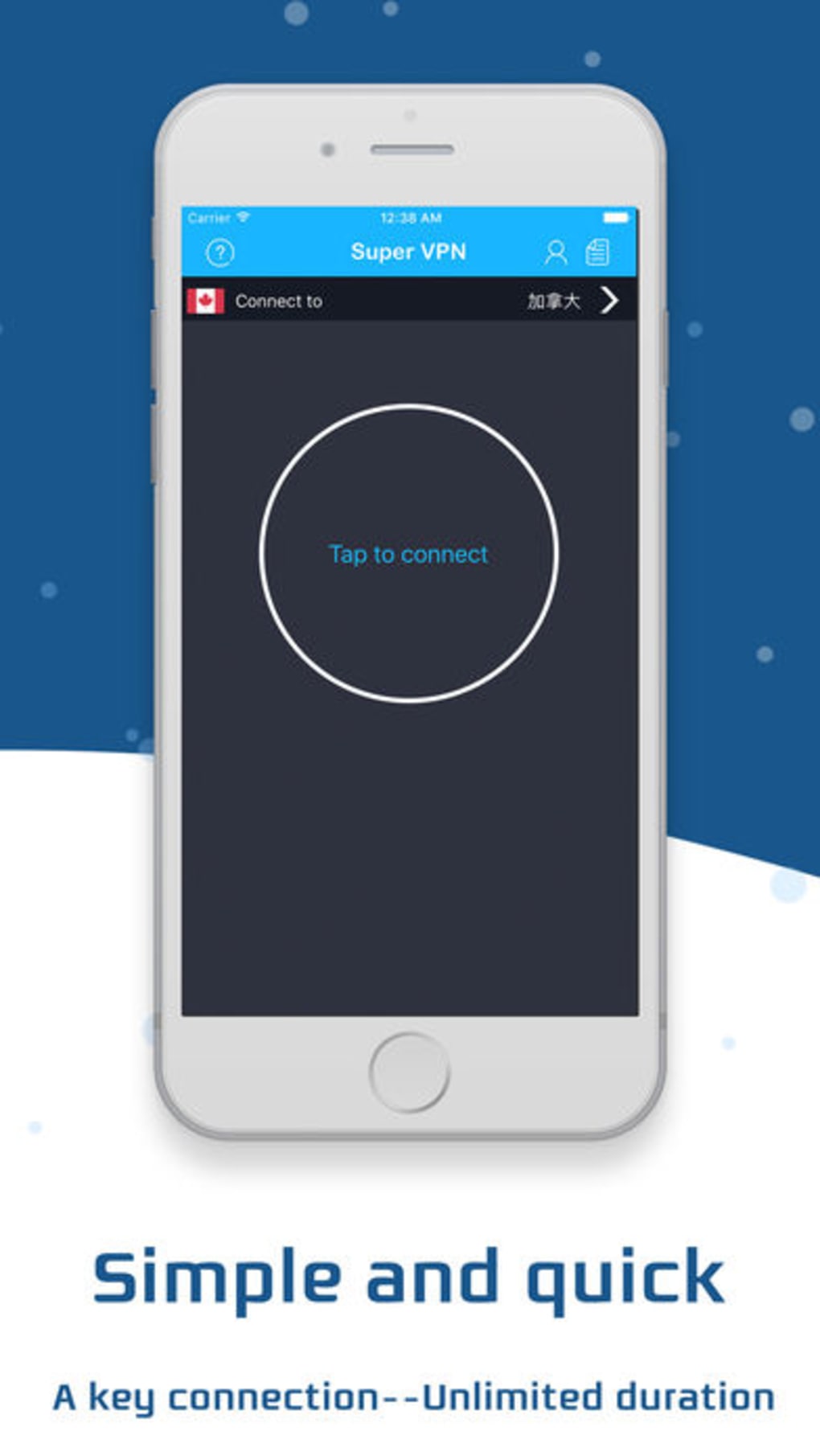
- Simple One-Tap Connection: Streamlines setup with a minimal interface, reducing user effort during connection.
These features are designed to enhance user privacy and freedom. For example, a student in a country with restricted access to educational platforms can use Super VPN to connect securely and view content. Similarly, a traveler using public Wi-Fi can protect sensitive data from potential threats. The tool’s focus on simplicity ensures that even non-technical users can benefit from its core functions. The developer did not specify advanced customization options or server locations.
User Interface, Workflow & Performance
The user interface is designed with minimalism in mind, featuring a clean layout optimized for touch interaction on iPhone. Navigation is straightforward, with a central button for connecting to the proxy server. The workflow is efficient, requiring only one tap to establish a secure connection.
Users can disconnect with a similar ease, allowing for quick toggling between secure and standard modes. The application does not display detailed network statistics or logs, suggesting a focus on simplicity over transparency. Performance observations are based on general software behavior patterns.
The developer did not specify resource usage details. Stability is assumed to be consistent with typical iPhone applications, though no formal testing data was provided. No issues with lag or crashes were reported in the available information.
Compatibility & System Requirements
Super VPN is designed exclusively for iPhone devices. The software version is 1.0, with an installation size of 12.5 MB. It is compatible with the latest iOS versions, as it is distributed through Apple’s App Store.
The developer did not specify exact system requirements. Compatibility information was partially provided. No additional hardware specifications were mentioned.
The application runs natively on iPhone hardware, ensuring integration with Apple’s security and performance frameworks. No compatibility issues with other platforms were reported.
Pros and Cons
Pros
- Free to use with no hidden costs
- Unlimited proxy access without time or data restrictions
- Supports multiple languages for global accessibility
- Simple, intuitive interface suitable for all user levels
- Secure browsing with encryption for data protection
Cons
- Exact performance details were not specified
- Developer did not provide information on server locations or speeds
- Limited to iPhone; no support for other platforms
- No visible customization options for advanced users
- Resource usage behavior was not disclosed
FAQ Section
Is Super VPN available for devices other than iPhone?
Super VPN is designed specifically for iPhone and is not available on other platforms such as Android or desktop computers.
Is the software safe to use on public Wi-Fi networks?
Yes, Super VPN encrypts internet traffic, which helps protect user data when connecting to public or unsecured networks.
How often does the software receive updates?
Update frequency was not specified by the developer. Users are advised to check the App Store for the latest version.
What type of license does Super VPN use?
Super VPN is distributed as free software with no licensing fees. The exact license type was not disclosed.
Can I use Super VPN without an internet connection?
Super VPN requires an active internet connection to function. It cannot operate in offline mode.
Final Thoughts + CTA
Super VPN delivers a straightforward solution for iPhone users seeking secure, unrestricted internet access. With its unlimited proxy service, multi-language support, and user-friendly design, it stands out as a practical tool for privacy and content access. While technical details like server locations and performance metrics are not disclosed, the application’s simplicity and free availability make it a compelling choice for casual users.
It is particularly beneficial for those needing quick, secure browsing on the go. The lack of advanced features may limit power users, but for everyday needs, it performs reliably. Download Super VPN now.







